Category Guide

Beginner-friendly DeepSeek guides for U.S. users covering access, cost, features, availability, privacy and responsible everyday use.

How to Use DeepSeek with n8n: Step-by-Step Workflow Guide

Use DeepSeek with n8n

n8n includes a built-in DeepSeek Chat Model, so you can connect DeepSeek to an automation workflow without installing an unofficial community package. In this guide, you will create a working workflow that receives text, sends it to DeepSeek through a…

How to Use DeepSeek with OpenCode

How to Use DeepSeek with OpenCode

OpenCode can use DeepSeek directly as the model provider behind its coding agent. For the current setup, install OpenCode V2, create a DeepSeek Platform API key, run OpenCode inside your project, select DeepSeek through /connect, and choose the current DeepSeek…

How to Upload and Read PDFs in DeepSeek

How to Upload and Read PDFs in DeepSeek

To upload and read PDFs in DeepSeek, open the official DeepSeek chat, attach your document, wait for processing, and ask a specific question. You can use the conversation to summarize a report, find information, or explain a passage. Keep the…

Can DeepSeek Generate Images? Chat and Janus-Pro Explained

Can DeepSeek Generate Images

Can DeepSeek generate images? Native image generation is not currently documented for the standard DeepSeek app or chat website. DeepSeek’s separate Janus-Pro model can generate pictures from text. The practical route is to open a Janus deployment, such as the…

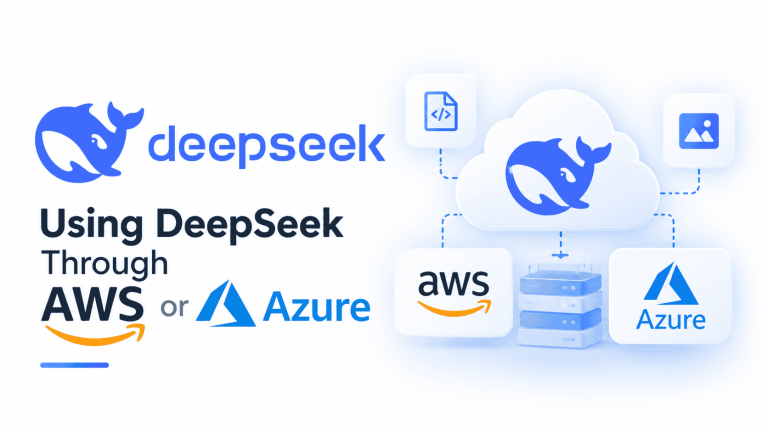
Using DeepSeek Through AWS or Azure

Using DeepSeek Through AWS or Azure

Last verified: October 8, 2026 Yes, you can use DeepSeek through AWS or Azure, but the details matter. AWS and Azure do not always expose the same DeepSeek model names, pricing model, API surface, deployment type, region, or security controls…